
TabCost

Know which tab slows Chrome — then hibernate it in one click
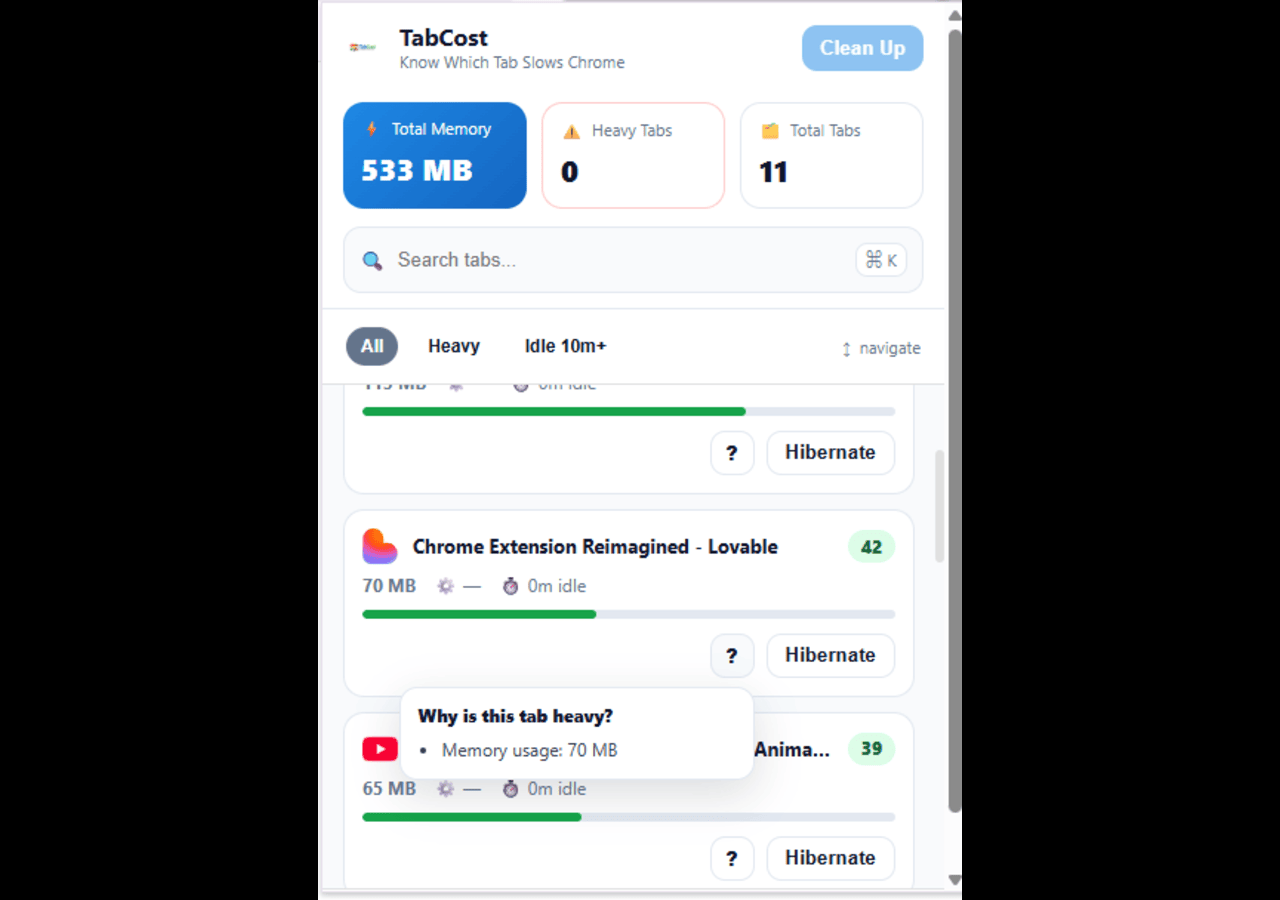
TabCost – Identify and hibernate resource-heavy Chrome tabs quickly
Summary: TabCost displays per-tab memory usage and activity estimates in Chrome, allowing users to identify which tabs slow the browser. It provides search, filters, and keyboard shortcuts to efficiently hibernate unused tabs and manage tab performance.
What it does
TabCost shows per-tab JavaScript heap memory and an activity percentage estimate, enabling users to find resource-intensive tabs. It includes search, filters by activity level, and keyboard shortcuts to navigate and hibernate tabs.
Who it's for
Users who keep many Chrome tabs open and need a streamlined way to monitor and reduce browser resource consumption.
Why it matters
It helps improve Chrome’s performance by identifying and discarding tabs that slow the browser, simplifying tab management.