
SpendBot

Automate 95% of your Spendesk expenses with one command
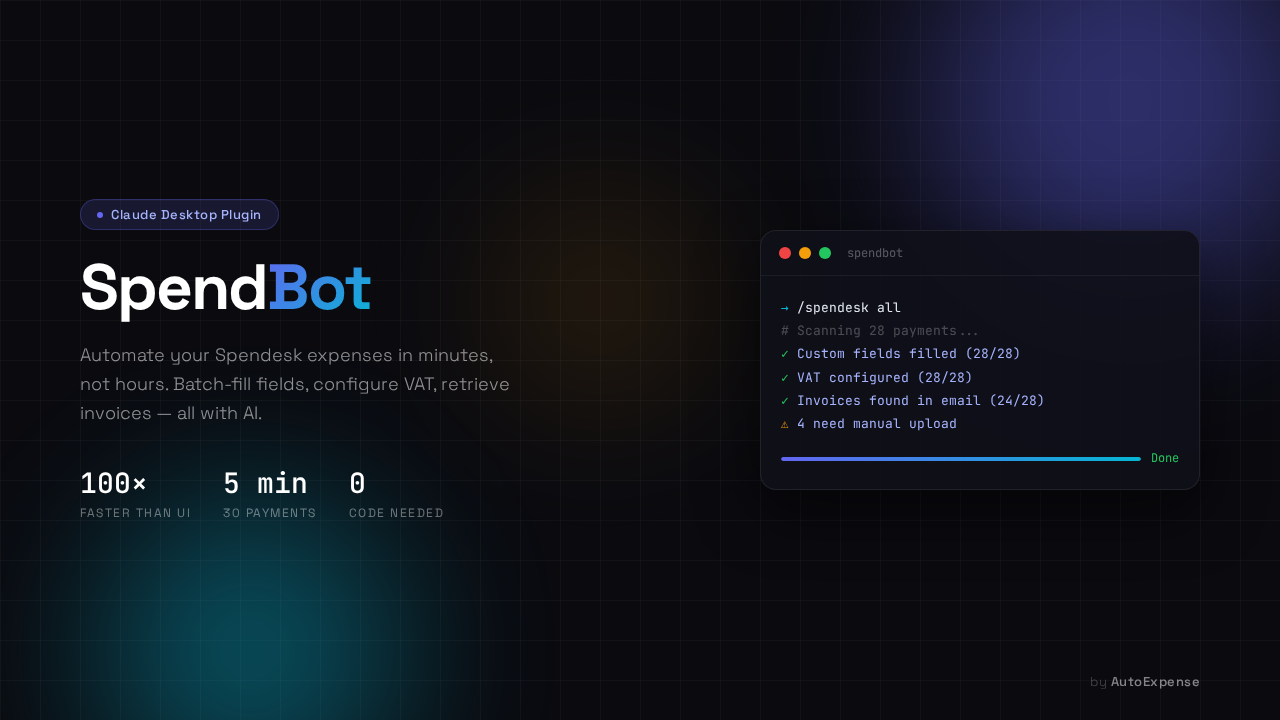
SpendBot – Automate Spendesk expense management with one command
Summary: SpendBot is a Claude Desktop plugin that automates Spendesk expense processing by batch-filling custom fields, applying VAT rules, and uploading invoices. It reduces manual work from hours to minutes by integrating with Spendesk’s API and email to handle 40-50 transactions quickly and accurately.
What it does
SpendBot uses the /spendesk all command to batch-fill cost center, category, and GL account fields via Spendesk’s API, applies VAT rates based on supplier location, searches emails for invoices, and uploads them to matching transactions. It also retrieves receipts from supplier portals if emails lack invoices.
Who it's for
It is designed for Spendesk users who regularly manage multiple expense transactions and need to automate repetitive data entry and VAT configuration tasks.
Why it matters
SpendBot significantly reduces the time and errors involved in manual expense management by automating routine tasks and ensuring accurate VAT application.