
ViewAll

Annotate any webpage for teams and AI
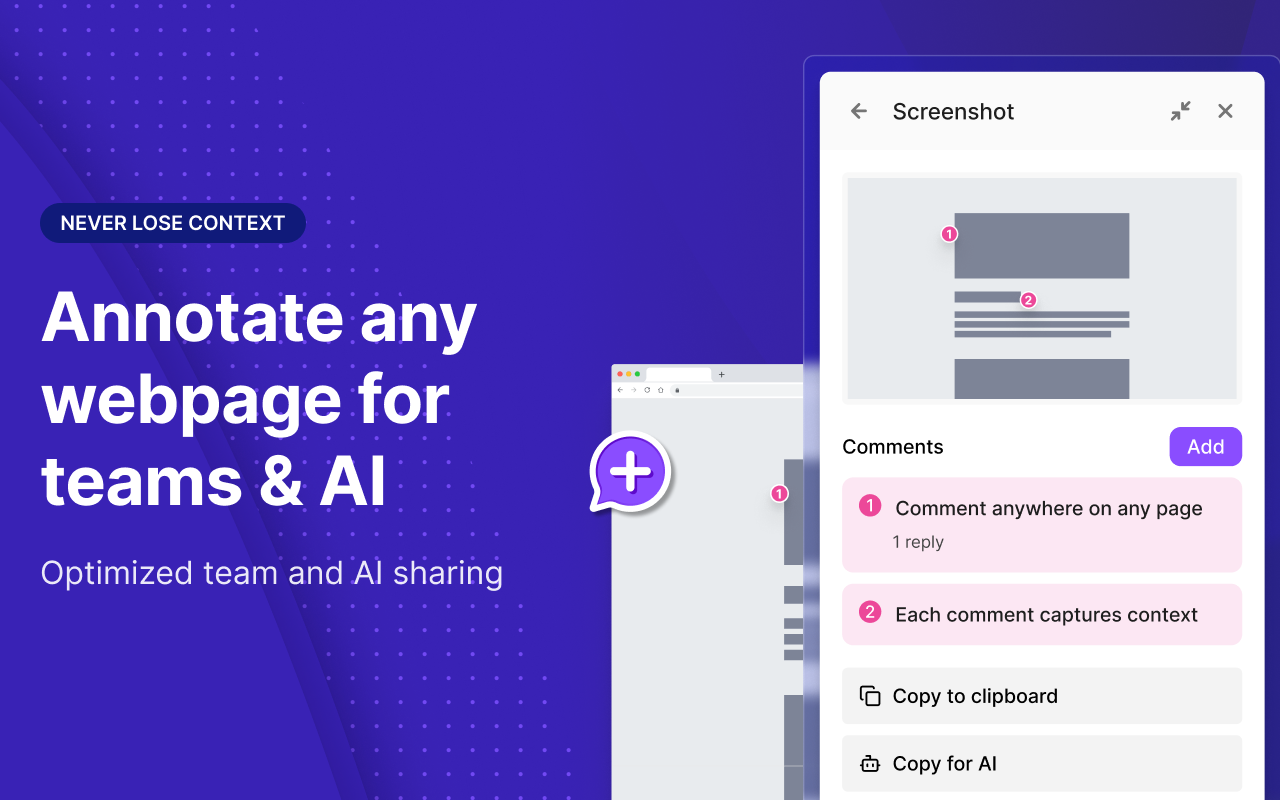
ViewAll – Annotate webpages with screenshots, code, and AI integration
Summary: ViewAll enables users to comment on any webpage with numbered annotations, capture screenshots, code snippets, accessibility filters, and computed styles, then share formatted content with teams and AI agents. It runs locally without requiring an account, supporting seamless feedback and collaboration.
What it does
ViewAll allows annotation directly on webpages, capturing partial or full screenshots with markers and extracting code elements including computed styles. It formats clipboard content for sharing in workspace tools and AI platforms.
Who it's for
It is designed for teams and AI users needing contextual webpage feedback and streamlined communication.
Why it matters
It addresses the lack of context in webpage feedback by combining annotations, code, and accessibility data into shareable, formatted content without requiring cloud accounts.