
Translate PRO

Copy any text twice. Get instant translation on your Mac.
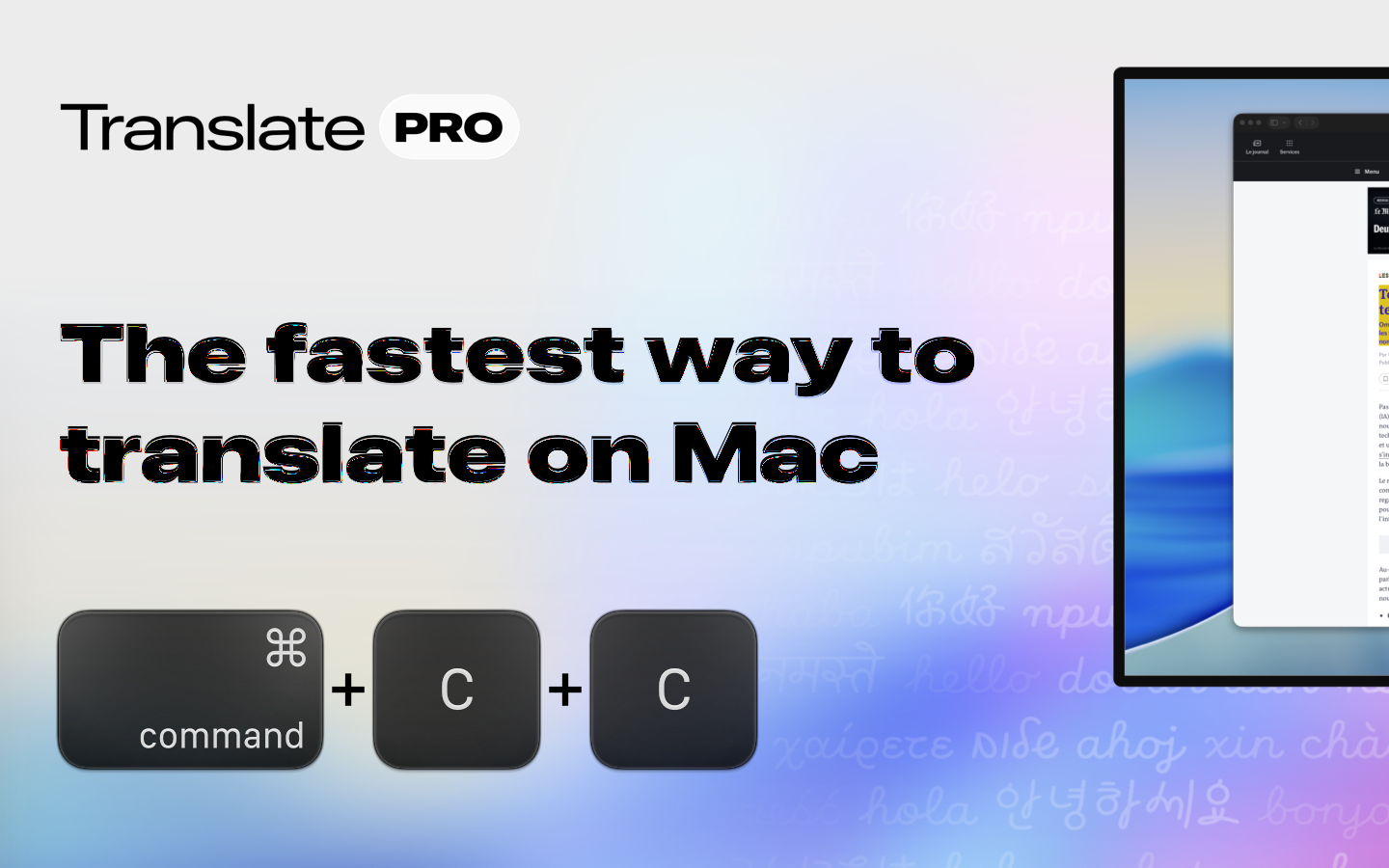
Translate PRO – Instant translation by copying text twice on your Mac
Summary: Translate PRO provides immediate translations by pressing ⌘C twice on any selected text, eliminating the need to switch apps. It supports over 240 languages, works across all Mac apps, and offers features like multiple windows, voice dictation, and customizable appearance.
What it does
Translate PRO instantly displays a translation window when you press ⌘C twice on selected text, appearing on the screen where you copied it. It supports multiple windows, snaps to screen corners, pins across desktops, and offers voice dictation with real-time transcription and translation.
Who it's for
It is designed for Mac users who need fast, seamless translations without interrupting their workflow, including those who work across multiple monitors or require live spoken translations.
Why it matters
It removes the repetitive process of copying, switching apps, and pasting by delivering translations instantly where and when they are needed.