
TimeCue

Ctrl+F for YouTube Videos
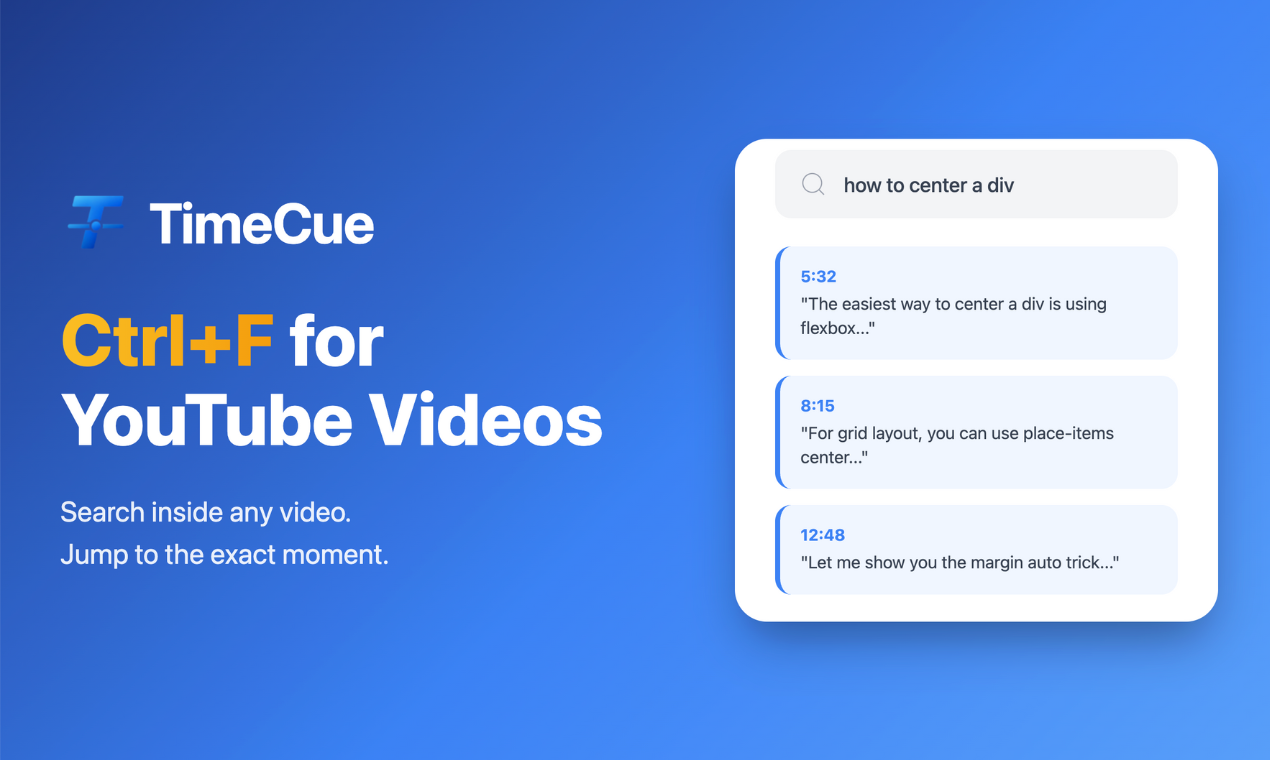
TimeCue – Search and navigate YouTube videos with cross-video search
Summary: TimeCue enables users to search inside YouTube videos and jump to exact timestamps, supporting semantic search across multiple saved videos simultaneously. It creates a searchable video library for efficient content retrieval and includes features like Follow Mode for tutorial steps and AI-generated summaries and Q&A.
What it does
TimeCue allows users to paste YouTube URLs, search for specific content within videos, and jump directly to relevant timestamps. It supports cross-video semantic search across a personal library, auto-pauses at tutorial steps, and provides AI summaries.
Who it's for
It is designed for developers, students, podcast fans, and anyone needing precise navigation through long YouTube content.
Why it matters
It reduces time spent scrubbing through videos by enabling instant, context-aware search and navigation across multiple videos.