
Tag Master

Debug GA4 & GTM like a pro - all tools in one side panel
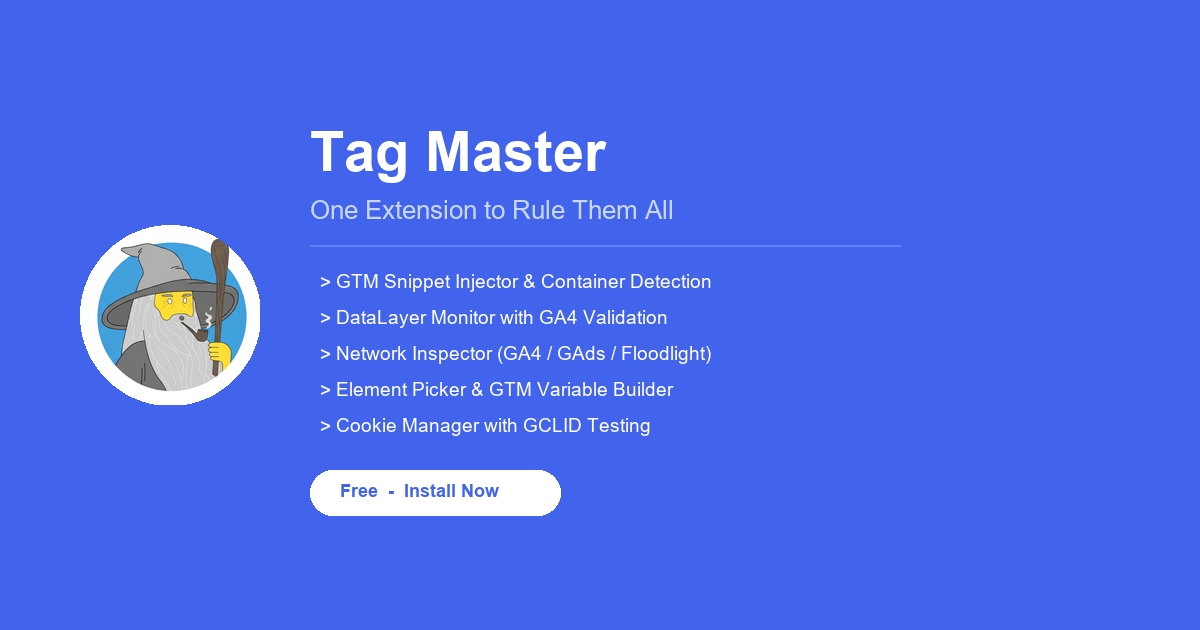
Tag Master – Unified GA4 and GTM debugging in a persistent side panel
Summary: Tag Master is a free Chrome extension that consolidates GA4 and GTM debugging tools into a single side panel, enabling injection of GTM snippets, monitoring of dataLayer events with GA4 schema validation, and decoding of network requests including consent state. It streamlines tracking setup and troubleshooting without requiring an account or data collection.
What it does
Tag Master injects GTM snippets on any page, monitors dataLayer events with a GA4 schema quality score, decodes GA4, Google Ads, and Floodlight network requests showing consent mode state, and generates CSS selectors and GTM variable code visually.
Who it's for
It is designed for developers and analysts working with Google Tag Manager and GA4 who need an integrated debugging workflow.
Why it matters
It solves the fragmented debugging process by combining multiple tools into a persistent side panel that remains open while browsing, improving efficiency and accuracy in tag management and tracking validation.