
StandOS
Productivity tools that slide in from your screen edges
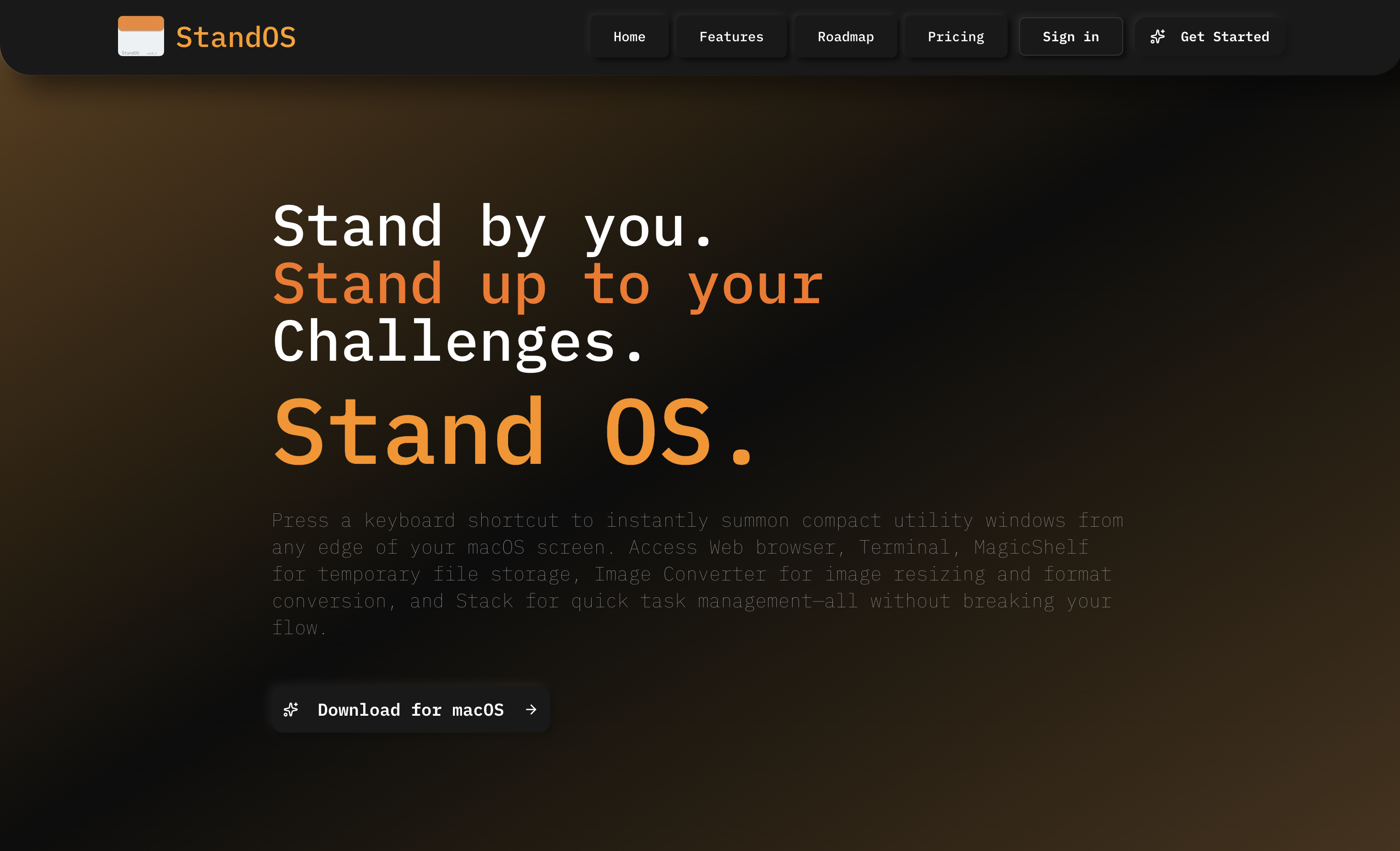
StandOS – Floating productivity panels for macOS screen edges
Summary: StandOS provides floating panels accessible from macOS screen edges, offering a terminal, web browser, clipboard manager, task board, and image converter via a single keyboard shortcut. Tools appear instantly and hide automatically to minimize disruption.
What it does
It adds productivity panels that slide in from screen edges on macOS, enabling quick access to multiple utilities without switching apps. Panels are triggered and dismissed with keyboard shortcuts.
Who it's for
Designed for developers, power users, indie developers, and students who require fast access to tools while maintaining focus.
Why it matters
StandOS reduces context-switching and helps users maintain workflow by providing instant, unobtrusive access to essential tools.