
Snip - AI-powered macOS Screenshot Tool

Capture. Annotate. Find anything.
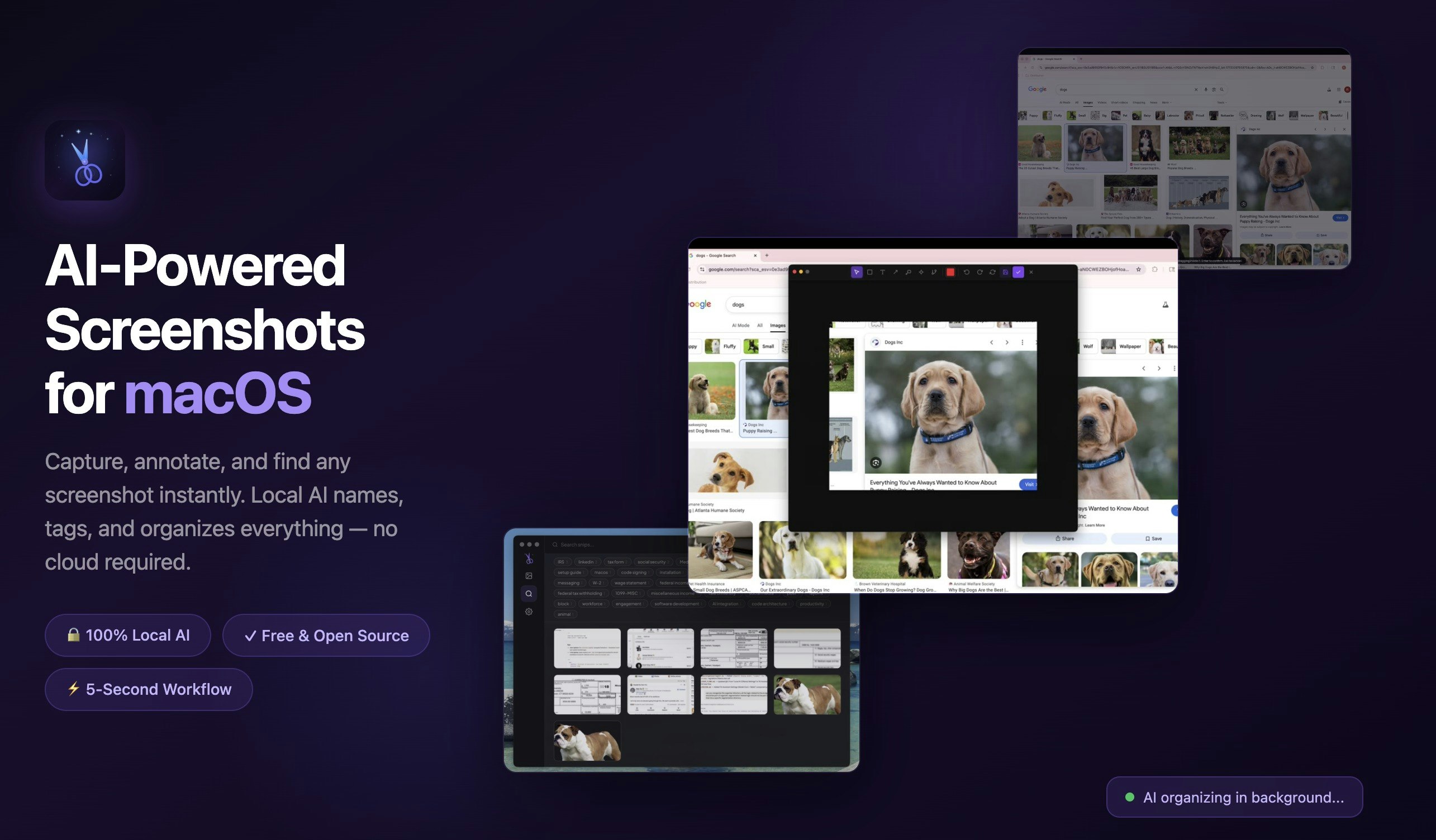
Snip - AI-powered macOS Screenshot Tool – Capture, annotate, and semantically search screenshots locally
Summary: Snip is a free, open-source macOS screenshot tool that uses on-device AI to capture, annotate, and organize screenshots. It automatically names, tags, and categorizes images with a local vision model, enabling fast semantic search by description without cloud involvement.
What it does
Snip captures any screen region with Cmd+Shift+2 and allows annotation using arrows, text, blur, and AI object segmentation. It runs a local AI model to auto-name and tag screenshots, supports object segmentation for cutting or animating parts into GIFs, and stores data entirely on the Mac.
Who it's for
It is designed for macOS users who manage large numbers of screenshots and need efficient local organization and retrieval without relying on cloud services.
Why it matters
Snip solves the problem of disorganized screenshots by providing automatic categorization and semantic search, enabling users to find specific images quickly while maintaining full privacy.