
SimCockpit

Xcode Simulator Supercharged
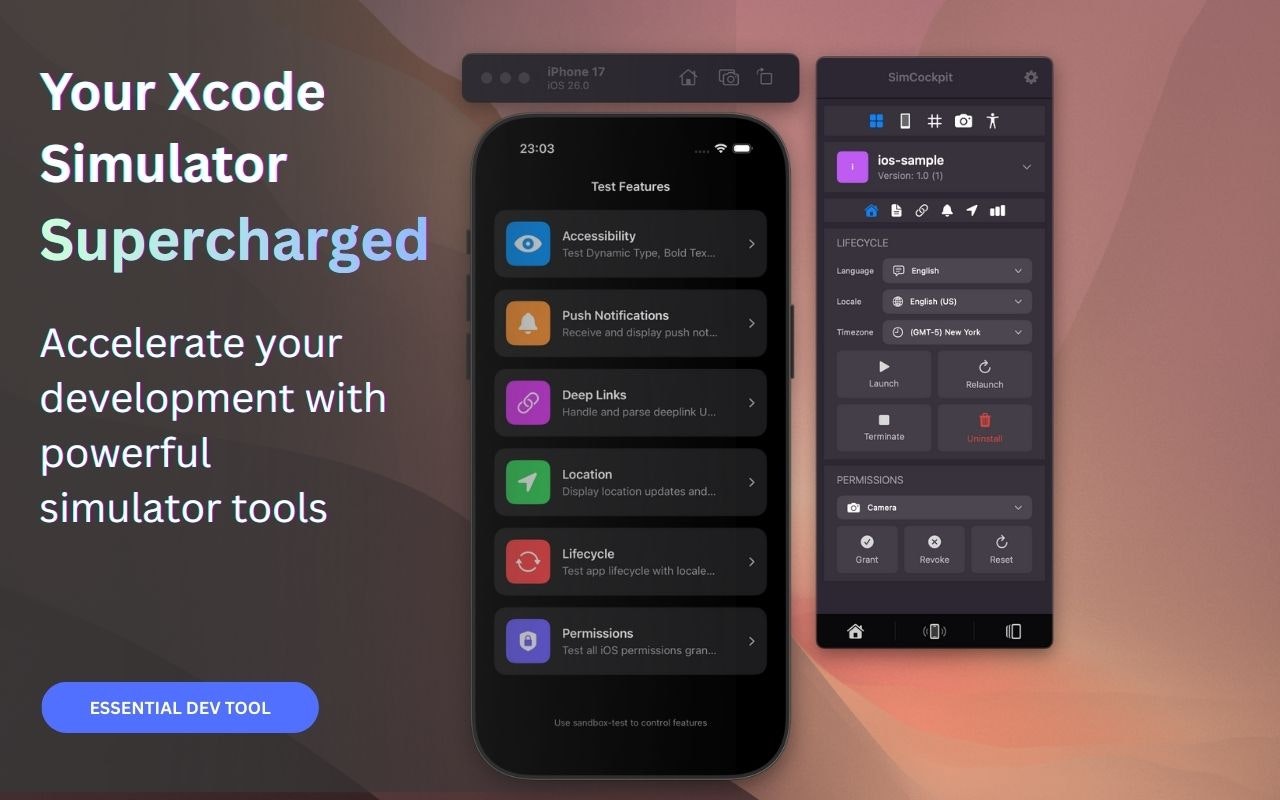
SimCockpit – Native control center for Xcode Simulator
Summary: SimCockpit provides a unified floating window to manage Xcode Simulator settings and tools, replacing terminal commands and scattered utilities. It enables toggling network conditions, mocking GPS locations, editing User Defaults, and recording demos, streamlining the iOS development workflow.
What it does
SimCockpit offers a visual interface to control network throttling, live UserDefaults editing, GPS location mocking with time zone adjustment, Dark Mode toggling, and media recording within the Xcode Simulator environment.
Who it's for
It is designed for iOS developers who want to reduce context switching and simplify Simulator environment management.
Why it matters
SimCockpit eliminates the need to memorize simctl commands or navigate system settings, saving time and improving focus during app development.