
ScreenShield — Blur for Screen Sharing
One-click blur for screen sharing. Blurs persist on reload
ScreenShield — Blur for Screen Sharing – Persistent, local blur for any webpage element
Summary: ScreenShield enables instant blurring of text, images, or areas on webpages with a single click, maintaining these blurs even after page reloads. It operates entirely locally without data collection, ensuring privacy during screen sharing and presentations.
What it does
Users can click elements or draw rectangles to blur content instantly, adjust blur intensity, and hide tab titles. Blurs persist across page reloads and browser sessions, with full keyboard shortcut support.
Who it's for
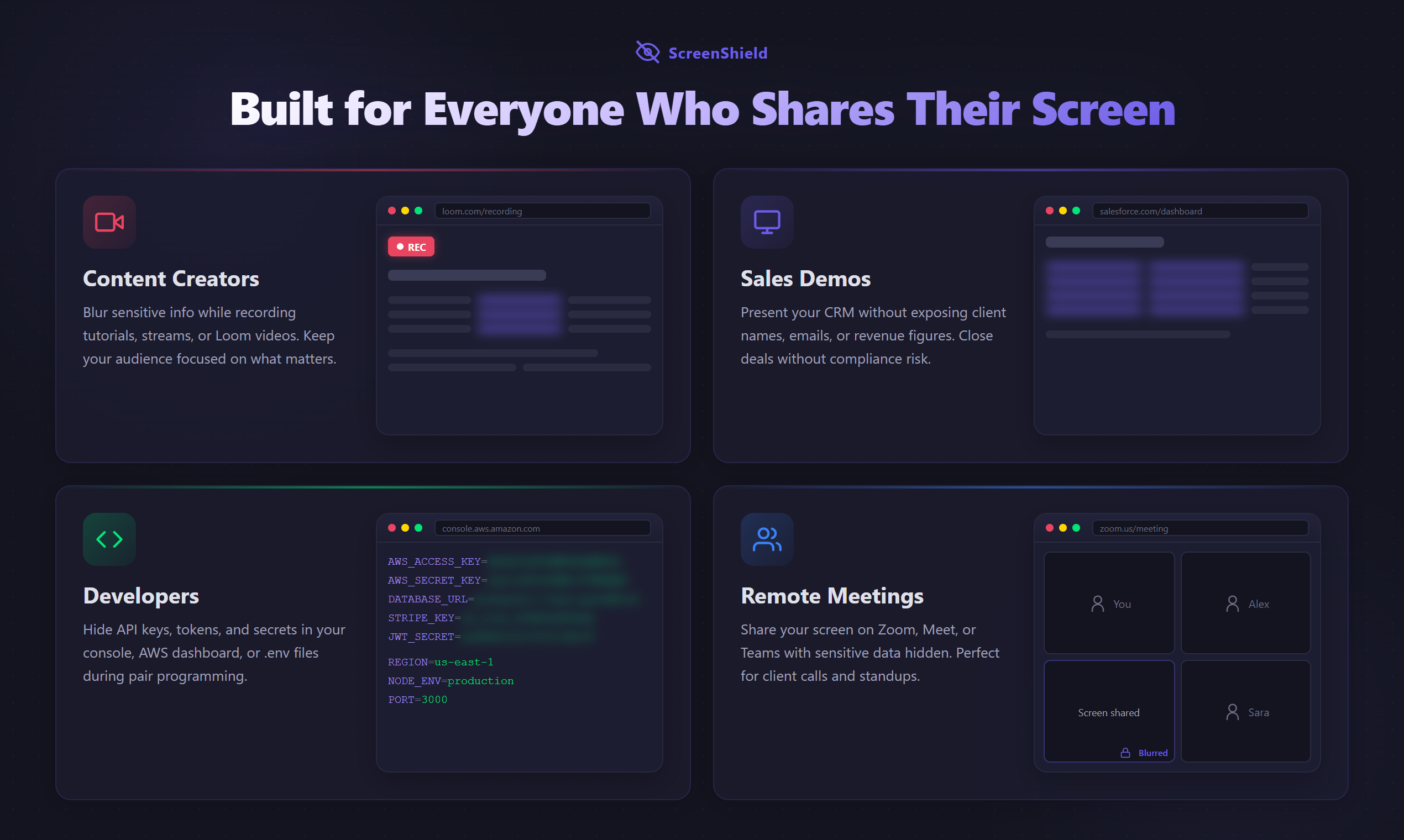
It is designed for remote workers, content creators, developers, and anyone sharing screens who needs to protect sensitive information during meetings, tutorials, or live demos.
Why it matters
ScreenShield solves the common issue of blur effects disappearing after page refresh, providing reliable, persistent privacy without sending data outside the browser.