
Page Blur

Hide Sensitive Info for Screen Sharing
#Chrome Extensions
#Video Streaming
#Meetings
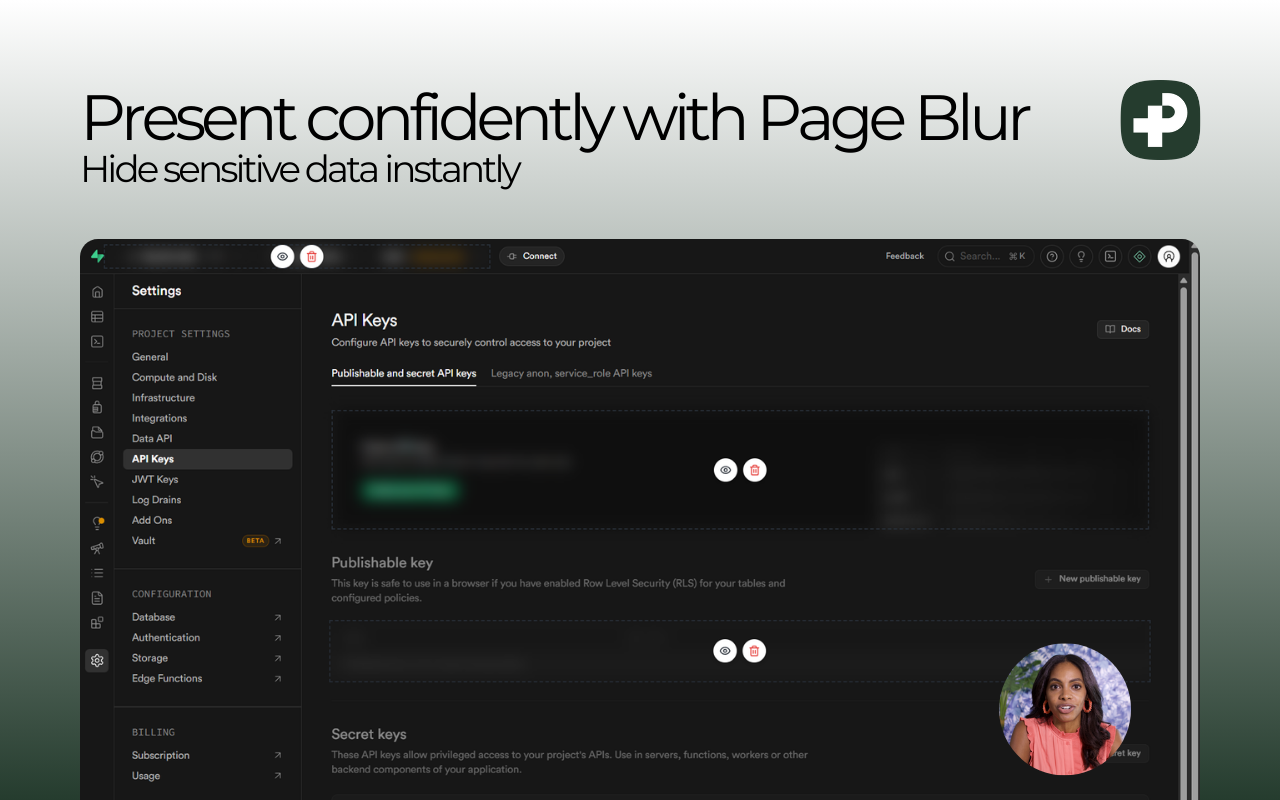
Page Blur – Instantly blur sensitive webpage content during screen sharing
Summary: Page Blur enables users to hide sensitive information like passwords, emails, or account numbers on any webpage by clicking elements or dragging to select areas. The blur effect persists automatically, ensuring privacy during screen shares without requiring accounts or internet connection.
What it does
It lets users blur webpage content with adjustable intensity using clicks or drag selection. Blurred areas save automatically and can be undone or redone via keyboard shortcuts.
Who it's for
Ideal for professionals conducting Zoom calls, tutorials, sales demos, or code reviews who need to protect sensitive data on screen.
Why it matters
It prevents accidental exposure of confidential information during live screen sharing sessions.