
OmniSnip
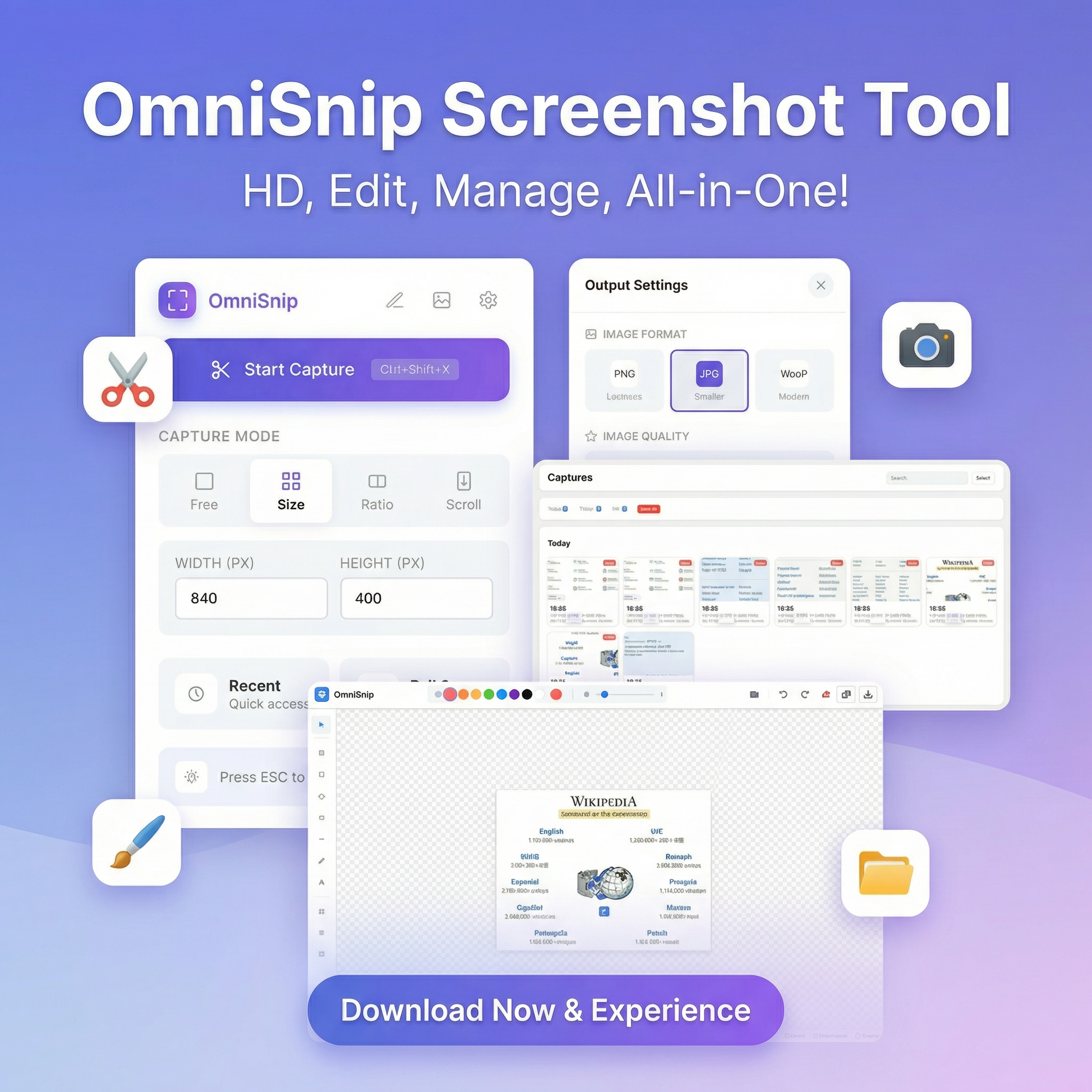
The ultimate, privacy-first screenshot & annotation tool.

OmniSnip – Privacy-first screenshot and annotation tool for Chrome
Summary: OmniSnip is a Chrome extension that enables secure, local screenshot capture with multiple modes, precise aspect ratios, and rich annotation tools. It stores all data locally without cloud tracking, supporting multi-language use and workflow enhancements like floating pin mode and a built-in gallery.
What it does
OmniSnip captures screenshots using freehand, custom size, full page, scrolling, and fixed aspect ratio modes. It offers annotation features including text, shapes, arrows, brushes, blur, mosaic, and visual effects, with all data saved locally on the device.
Who it's for
It is designed for users needing frequent, private screenshot capture and annotation within Chrome, such as tutorial creators, bug reporters, and designers.
Why it matters
OmniSnip eliminates the need for multiple apps by combining capture, annotation, and management in one privacy-focused tool without cloud storage or tracking.