
My Local Backup

Timeline backup solution for Windows
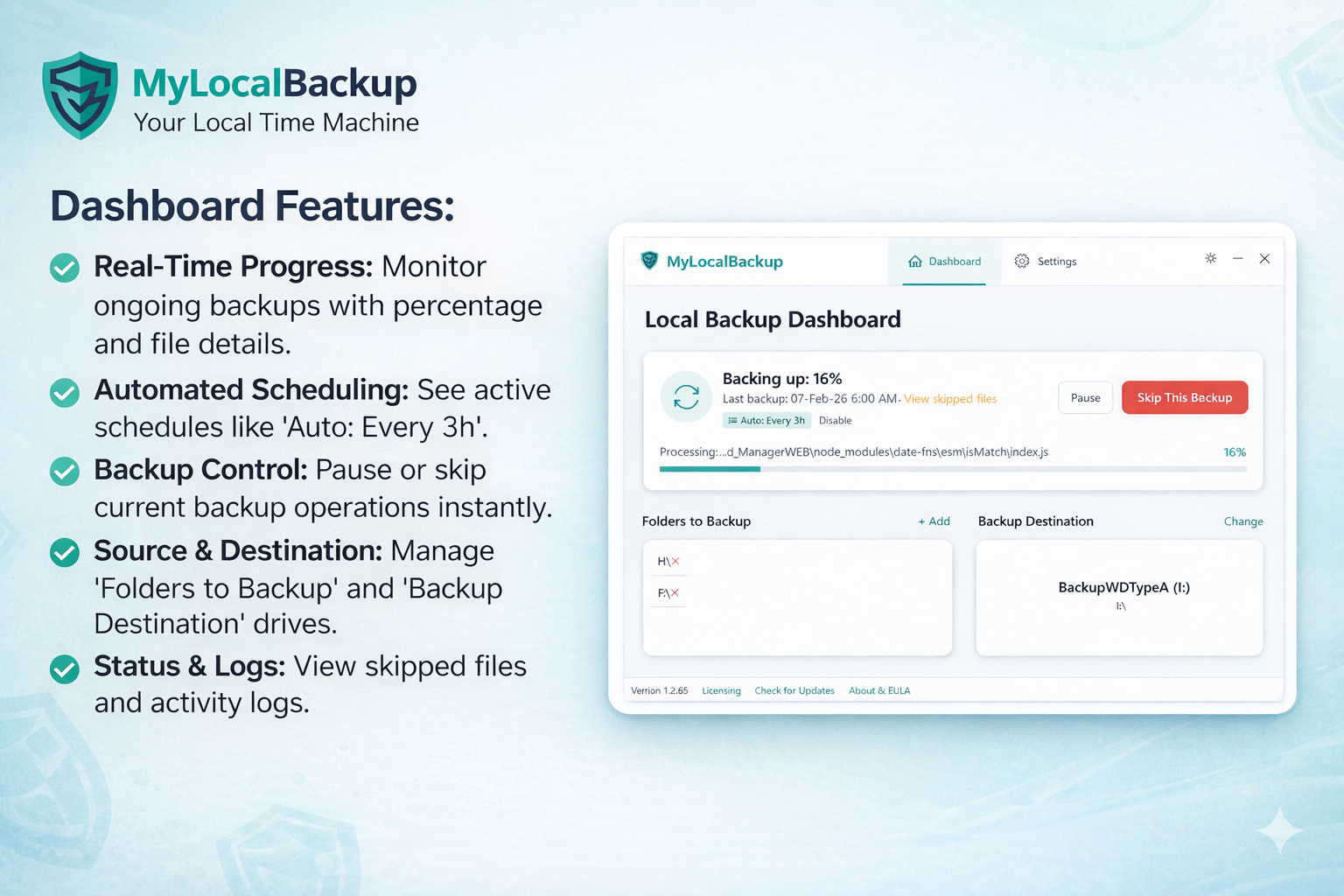
My Local Backup – Timeline backup solution for Windows with efficient local snapshots
Summary: My Local Backup creates incremental, timeline-style backups on Windows using NTFS hard link deduplication to save disk space. Snapshots appear as standard folders in File Explorer, allowing instant access without restore wizards. It runs silently in the background, keeping all data local without cloud dependencies.
What it does
It performs silent, incremental backups by detecting file changes and creating snapshots that look like full backups but share unchanged files via NTFS hard links. Users access backups directly through File Explorer as normal folders.
Who it's for
Users seeking a local, subscription-free backup solution that avoids proprietary formats and cloud storage while maintaining efficient version history on Windows.
Why it matters
It solves storage inefficiency by minimizing disk usage for multiple backup versions and provides reliable, transparent file recovery without complex restore processes or cloud reliance.