
Mini OS Simulator
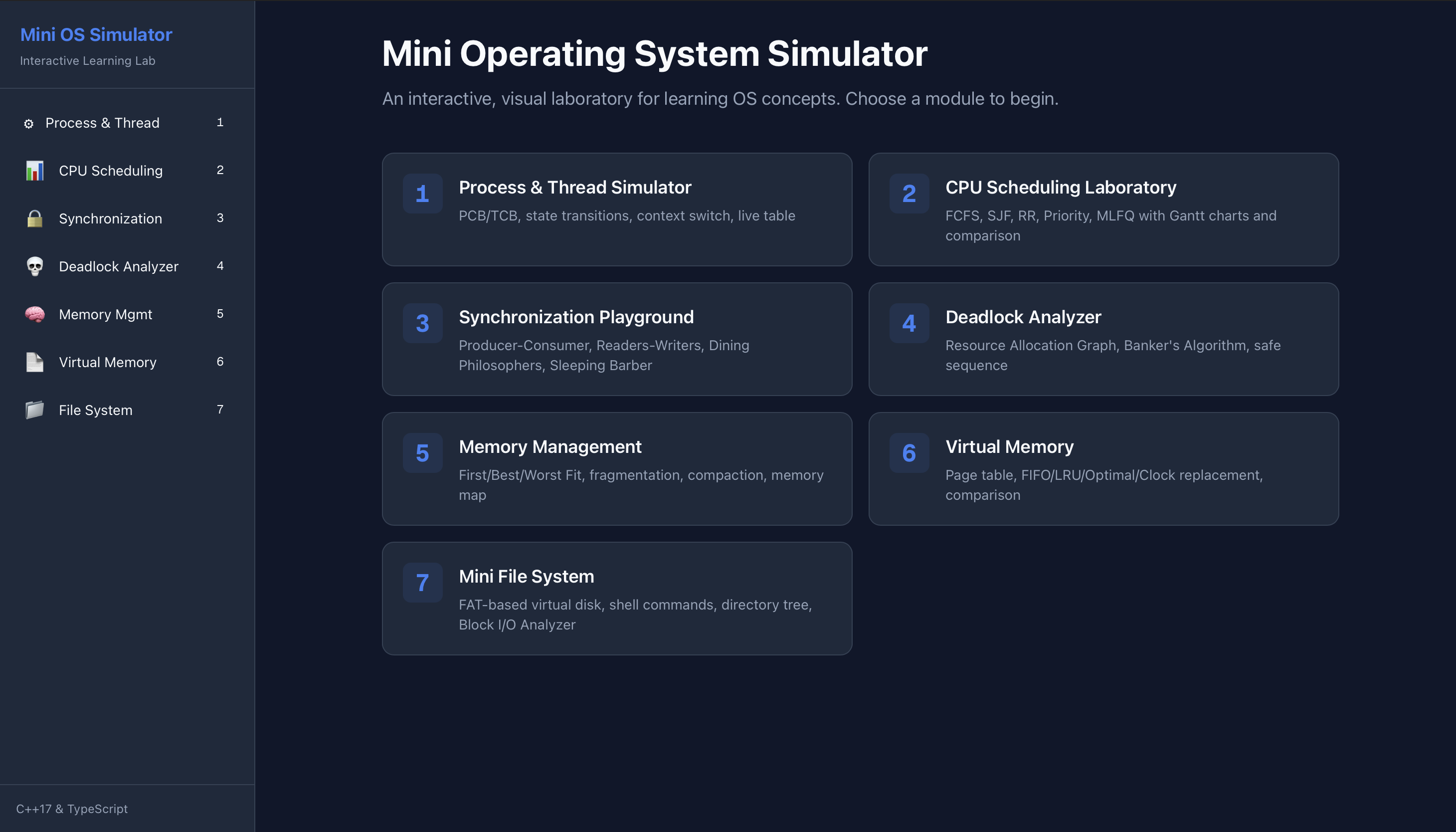
OS -Learn CPU scheduling, deadlocks, memory, paging and more
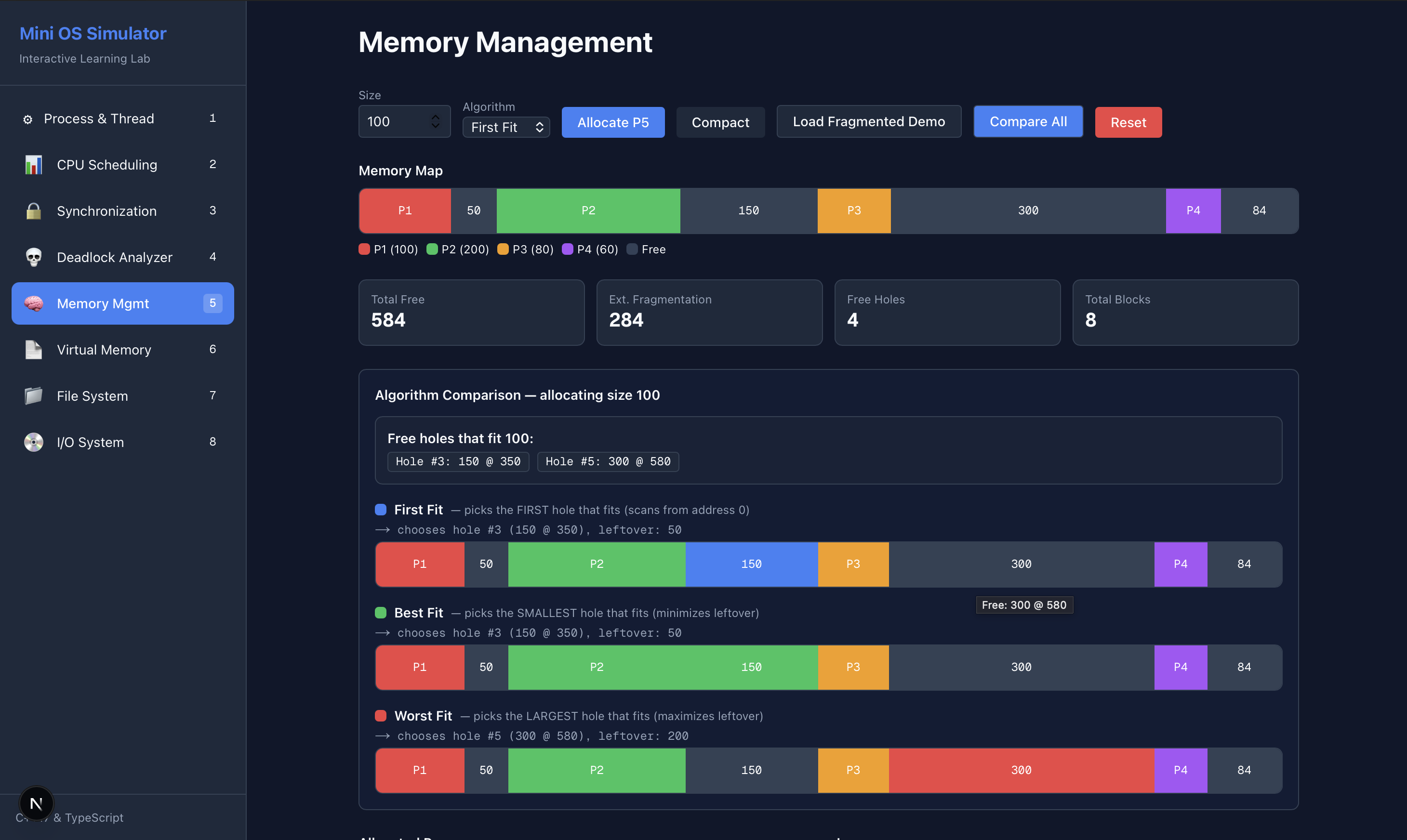
Mini OS Simulator – Interactive browser-based OS concept visualization
Summary: Mini OS Simulator is a web tool that enables users to experiment with operating system concepts such as CPU scheduling, deadlocks, memory allocation, paging, disk scheduling, and file systems. It runs entirely client-side in the browser, providing interactive simulations to aid understanding of OS mechanisms.
What it does
It simulates CPU scheduling algorithms, deadlock detection, memory and page replacement strategies, disk scheduling, and a mini FAT-like file system through interactive experiments in the browser.
Who it's for
It is designed for computer science students, OS course learners, and those preparing for technical interviews.
Why it matters
It replaces static textbook examples with interactive visualization, making complex OS concepts easier to understand.