
Highlight to URL

Kill the copy-paste loop: Highlight text, trigger custom URL
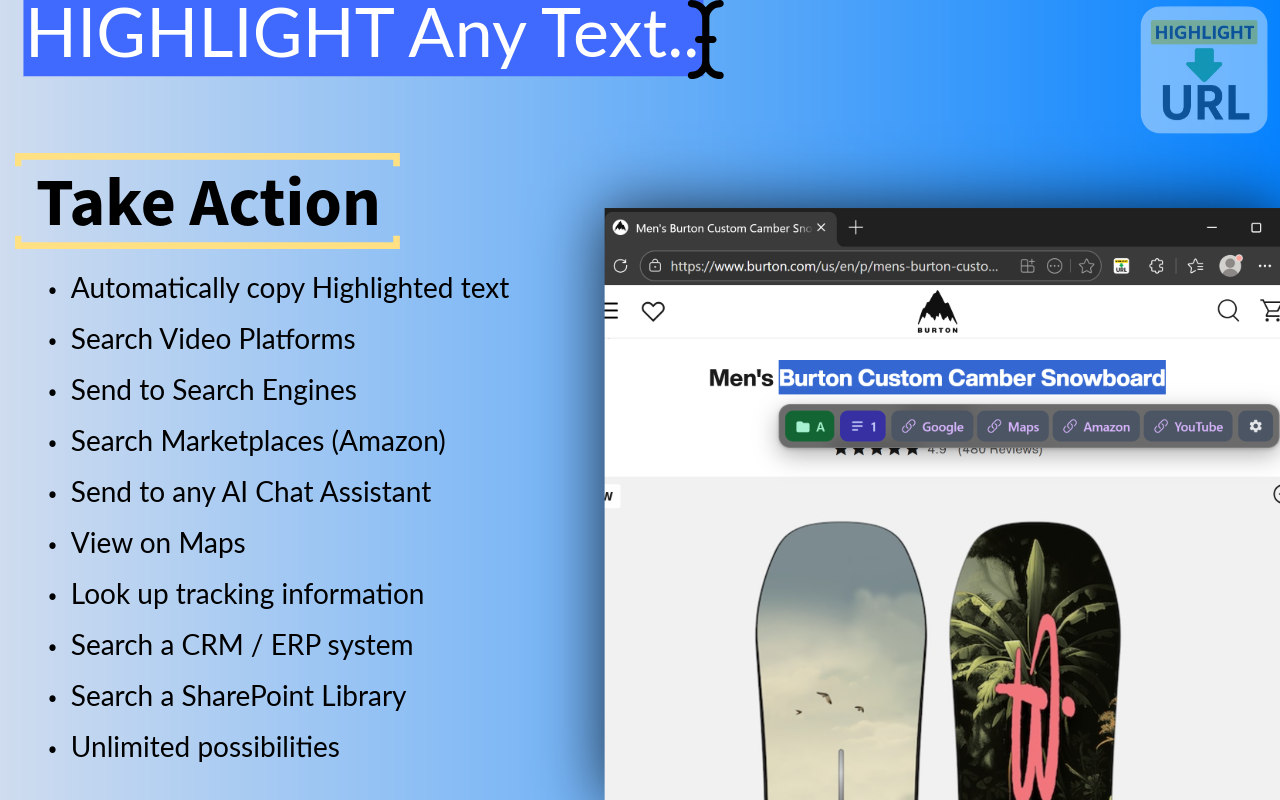
Highlight to URL – Instantly trigger custom URLs by highlighting text
Summary: Highlight to URL converts highlighted text into a shortcut that triggers custom URLs or searches, eliminating repetitive copy-paste workflows. It supports configurable base URLs and can auto-execute searches by detecting search boxes, streamlining access to tools like Salesforce, ChatGPT, and Amazon without tracking or login requirements.
What it does
It transforms selected text into a trigger for predefined URLs or search queries, automatically copying the text and optionally executing searches by interacting with search fields on web pages.
Who it's for
Users who frequently copy and paste text into web tools, such as Salesforce admins, sales professionals, or anyone needing faster access to search or data entry workflows.
Why it matters
It reduces manual copy-paste steps, saving time and minimizing repetitive tasks by turning text selection into immediate actions without added software complexity or tracking.