
Hide My Screen

A privacy overlay for your Mac that even follows your typing
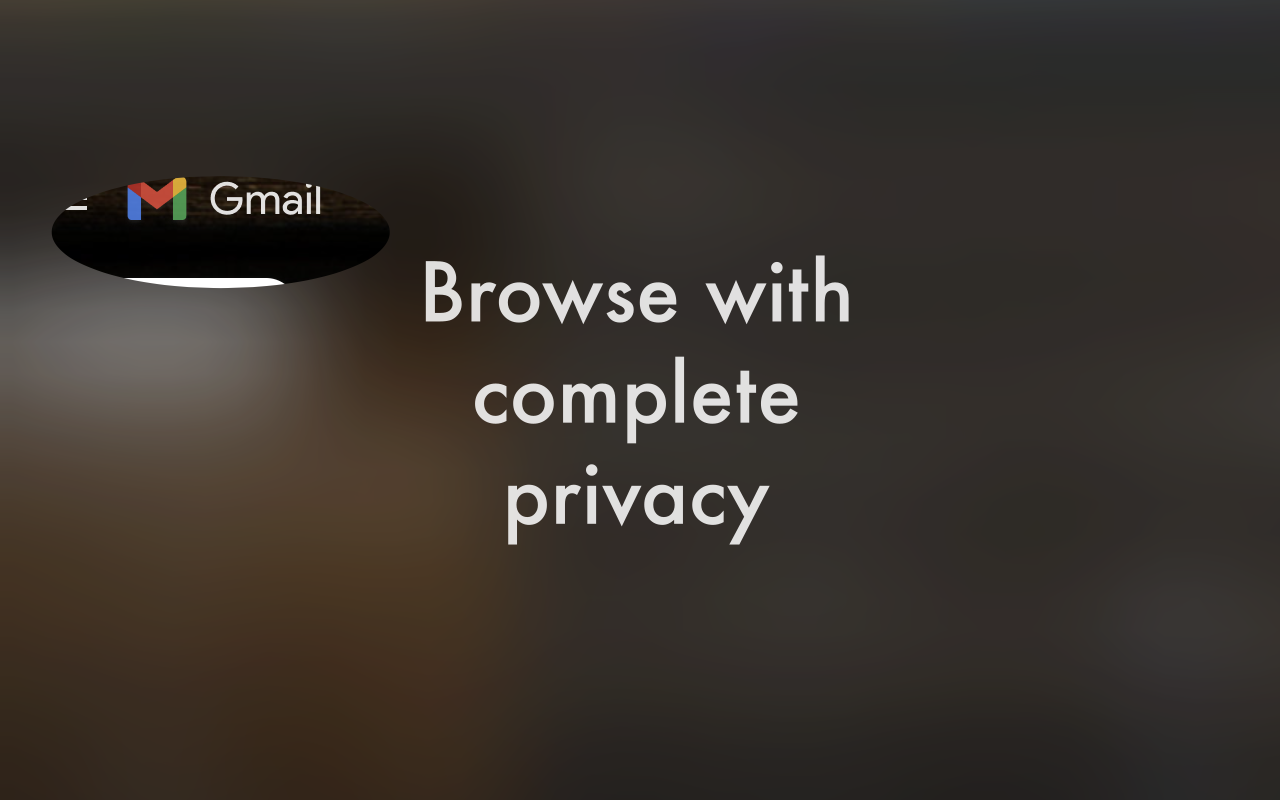
Hide My Screen – Privacy overlay that follows your typing on Mac
Summary: Hide My Screen places a privacy overlay on your Mac display, revealing only a small area around your cursor or caret. Its Full version uses macOS accessibility APIs to track the typing caret across multiple apps, enhancing screen privacy without manual mouse movement.
What it does
It overlays a dark filter on the screen, showing a keyhole around the cursor or caret. The Full version tracks the native caret position via macOS accessibility APIs, enabling the keyhole to follow your typing in apps like Chrome, Safari, VS Code, and Notes.
Who it's for
Users who need to protect their screen content from onlookers while working in public or shared spaces on a Mac.
Why it matters
It prevents shoulder surfing by hiding all screen content except the immediate area around your typing, improving privacy beyond physical filters.