
HEICfree

Convert HEIC to JPG free — 100% private, no uploads
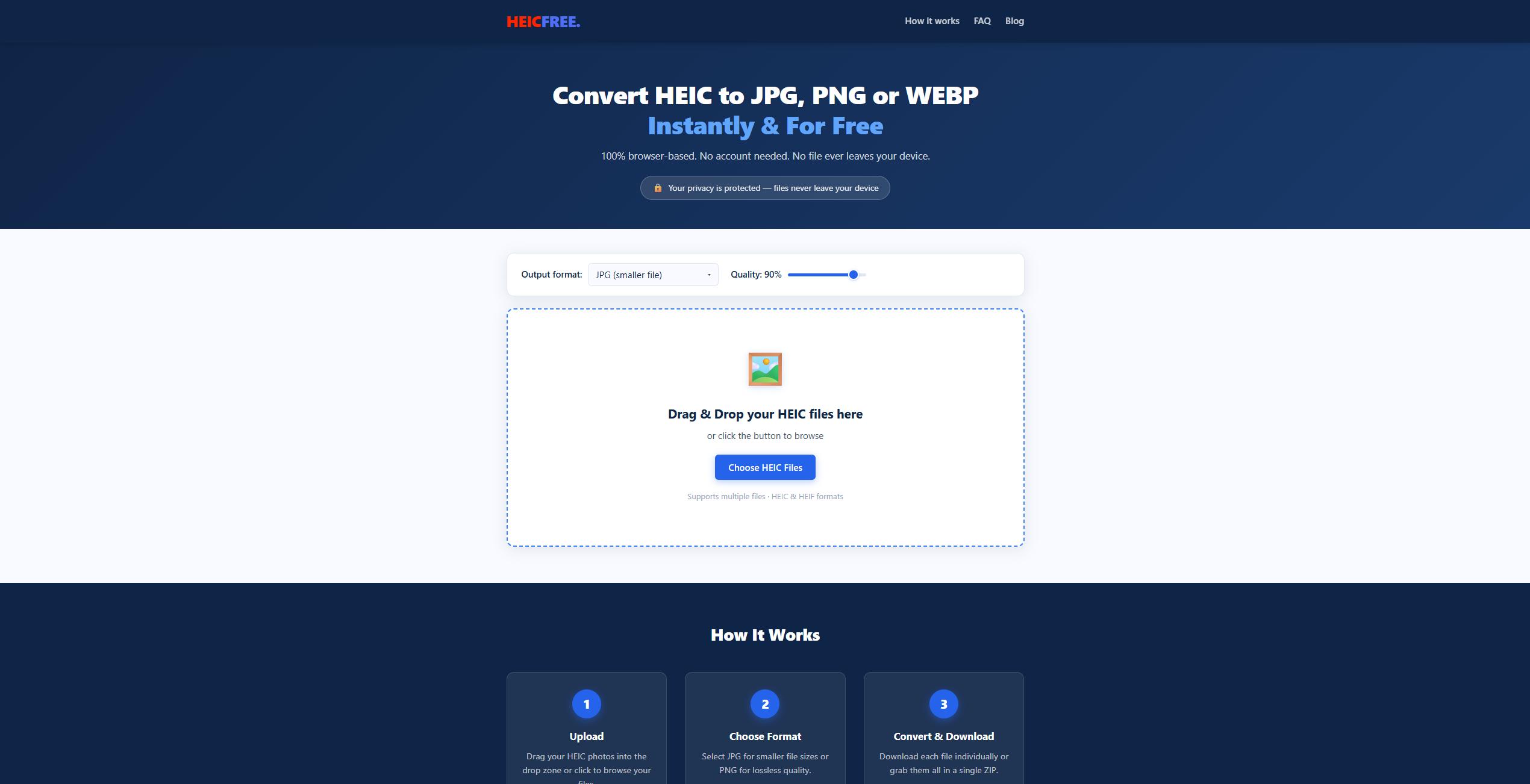
HEICfree – Convert HEIC photos to JPG, PNG, or WEBP locally in your browser
Summary: HEICfree converts iPhone HEIC photos to JPG, PNG, or WEBP formats entirely within the browser using WebAssembly, ensuring no files are uploaded or stored externally. It supports batch conversion and offers a quality slider for output control, maintaining user privacy and speed without limits or accounts.
What it does
HEICfree processes HEIC images locally in the browser, converting them to JPG, PNG, or WEBP formats without uploading files to any server. It supports batch conversion and allows users to adjust output quality.
Who it's for
It is designed for users who need to convert HEIC photos on Windows or Android devices while prioritizing privacy and avoiding file uploads.
Why it matters
It eliminates the need to upload photos to external servers, protecting user privacy and providing unlimited, fast conversions directly on the device.