
Findlight

one command full control
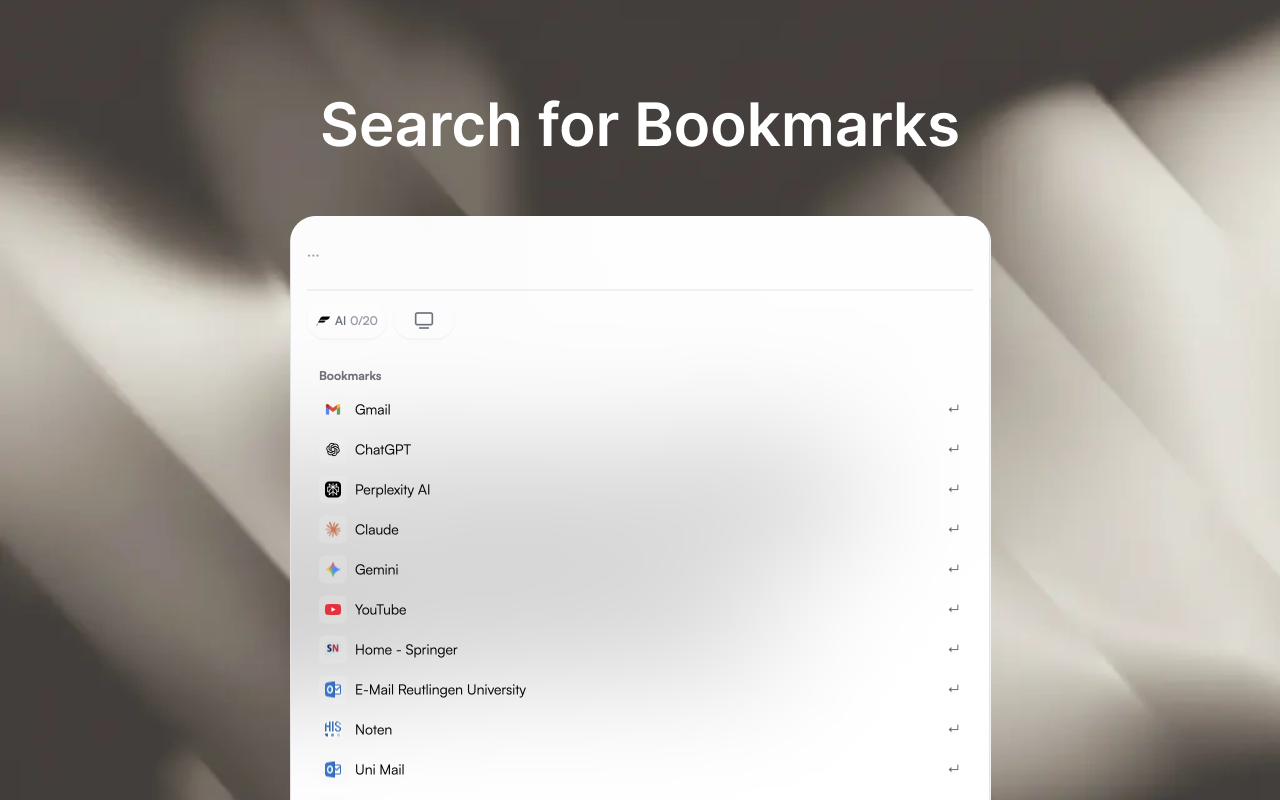
Findlight – Universal browser search and tab management with one shortcut
Summary: Findlight integrates a universal command bar into your browser, enabling fast search across bookmarks, open tabs, and browsing history. It centralizes navigation and common browser actions into a single shortcut, improving workflow by reducing tab switching and clicks.
What it does
Findlight adds a keyboard-driven command bar accessible via a customizable shortcut that searches bookmarks, tabs, and history, and executes browser commands like opening, closing, or reloading tabs. It displays results with favicons and allows filtering and switching between tabs across windows without leaving the current page.
Who it's for
It is designed for users who want efficient keyboard-first navigation and centralized control over browser tabs, bookmarks, and history to streamline web browsing.
Why it matters
Findlight reduces context switching and click volume by consolidating search and tab management into one interface, enabling faster access to resources and browser functions.