
ClickSay

Click any element and ClickSay instantly captures it
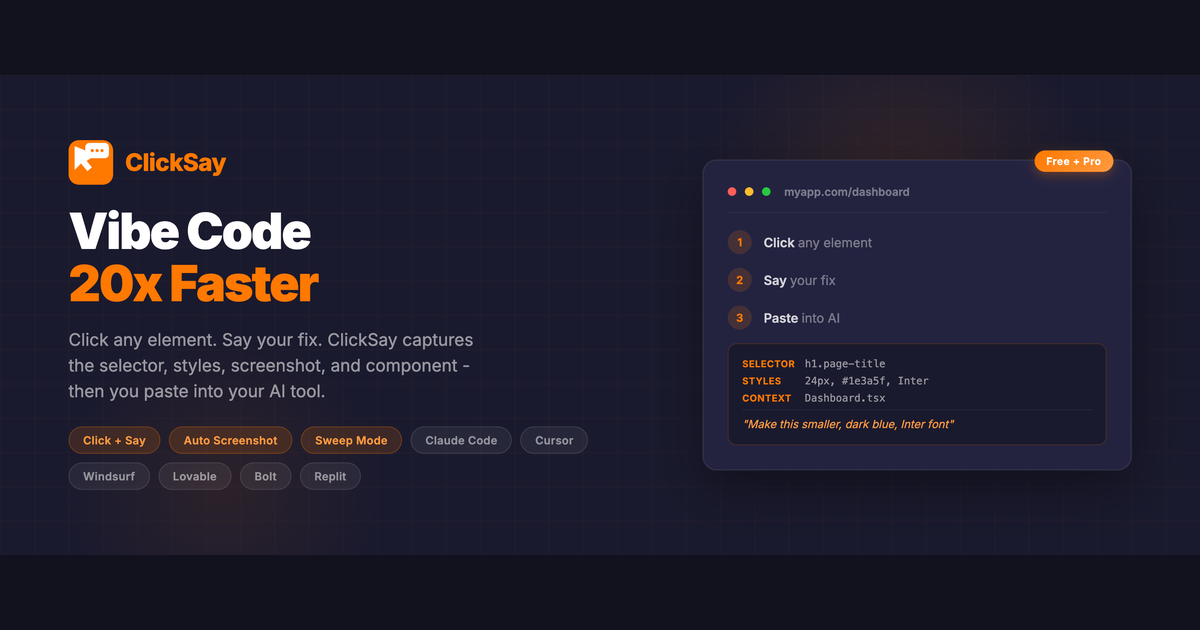
ClickSay – Instantly capture and fix UI elements with structured prompts
Summary: ClickSay captures CSS selectors, computed styles, HTML, screenshots, and component names of any clicked element, then generates a structured prompt for AI tools to apply precise UI fixes. It streamlines communication with AI by eliminating manual descriptions of UI elements, enabling faster and more accurate bug fixes.
What it does
ClickSay lets users click one or multiple elements on a page to capture detailed technical data including CSS selectors, computed styles, HTML, screenshots, and React/Vue/Svelte component names. It packages this information with user voice or text instructions into a prompt copied to the clipboard for use in AI coding tools.
Who it's for
It is designed for developers and UI engineers who use AI-assisted coding tools to fix UI bugs and implement design changes efficiently.
Why it matters
ClickSay solves the problem of imprecise communication with AI by providing exact element details, reducing the time and errors involved in describing UI issues for automated fixes.