
AWS S3 Extension for Visual Studio Code

aws, s3, vscode
#Productivity
#Developer Tools
#Artificial Intelligence
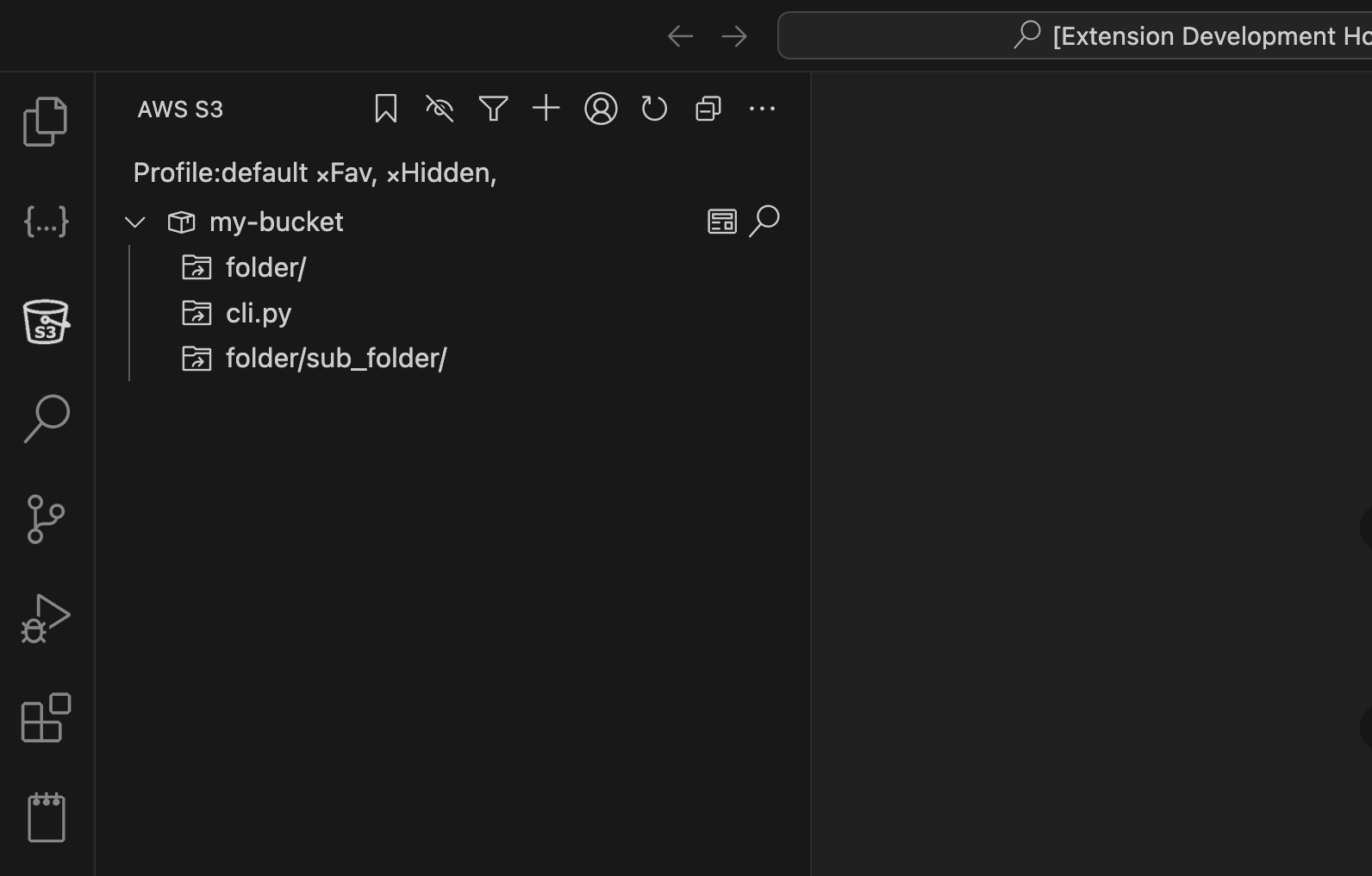
AWS S3 Extension for Visual Studio Code – Manage Amazon S3 buckets and files within VS Code
Summary: The AWS S3 extension integrates Amazon S3 functionality into Visual Studio Code, enabling users to browse, manage, and manipulate buckets, files, and folders directly from the editor. It supports file and folder operations, advanced search, and custom endpoints including LocalStack.
What it does
It allows renaming, copying, moving, deleting, uploading, and downloading files and folders in S3 buckets. Users can search across buckets and customize endpoints for S3-compatible services.
Who it's for
Developers, data scientists, and sysadmins who need to manage S3 resources efficiently within their coding environment.
Why it matters
It streamlines S3 resource management by eliminating the need to switch between tools, improving workflow speed and convenience.